How to Validate Your SaaS Idea in 48 Hours with Framer
Most founders waste months building products nobody wants. Here's how to validate your SaaS idea in 48 hours using a Framer landing page and waitlist—before writing a single line of code.
Dec 23, 2025
5 min
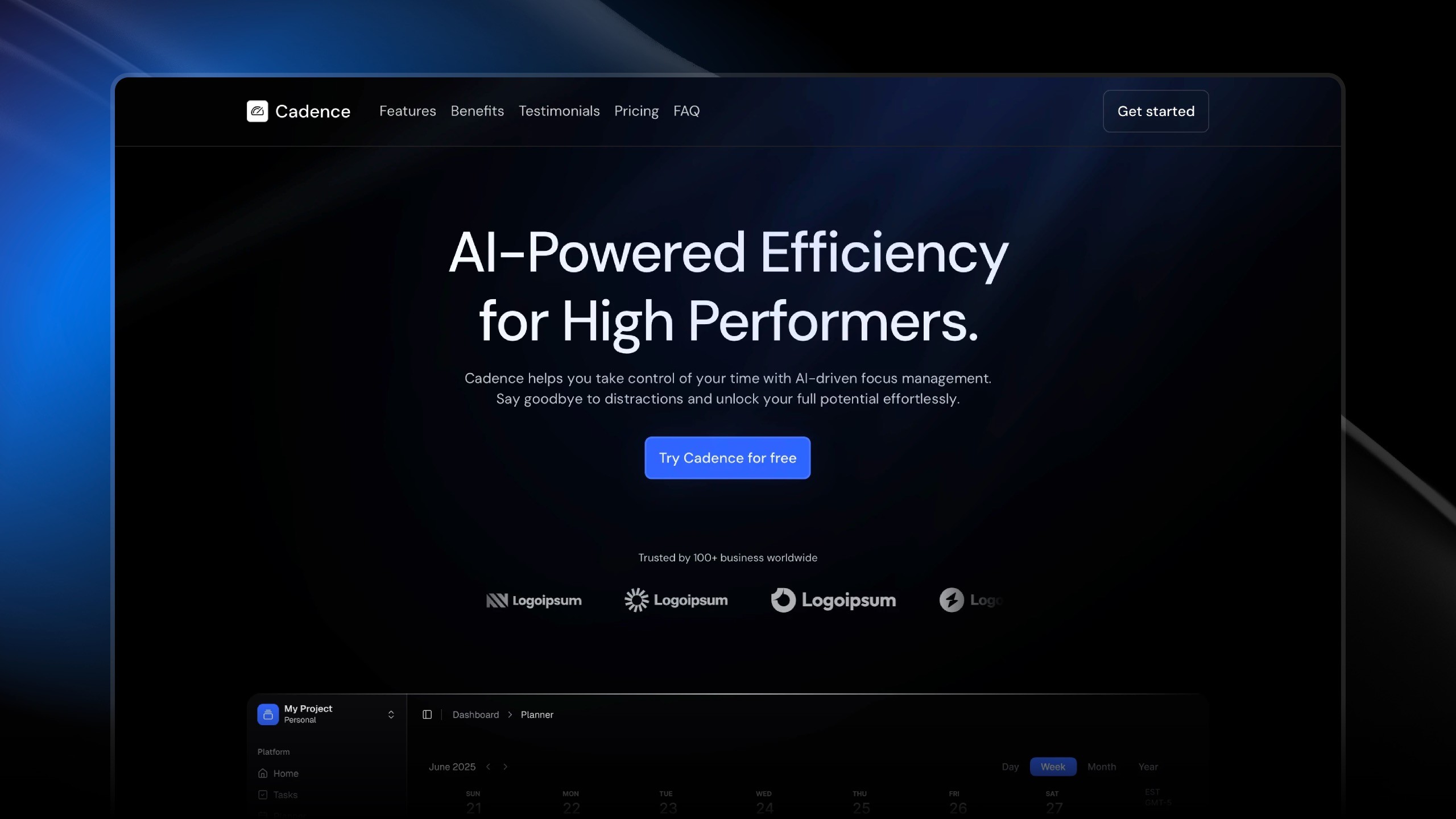
Most founders make the same costly mistake: they spend months building a product before knowing if anyone actually wants it.
They code for six months. They invest $10,000 in development. They sacrifice evenings and weekends. All while moving forward blind, with no real signal that their idea will work.
The smarter approach? Validate first, build second.
The fastest way to validate a SaaS idea isn't through coding—it's through a landing page. With Framer, you can have a professional validation page live in less than 48 hours, for under $50.
Here's exactly how to do it.
Why Validation Comes Before Building
The traditional SaaS launch follows this pattern: have an idea, spend 3-6 months building, launch to your network, and hope people buy.
The problem? By launch day, you've invested thousands of dollars and hundreds of hours. If nobody wants what you built, that's all wasted.
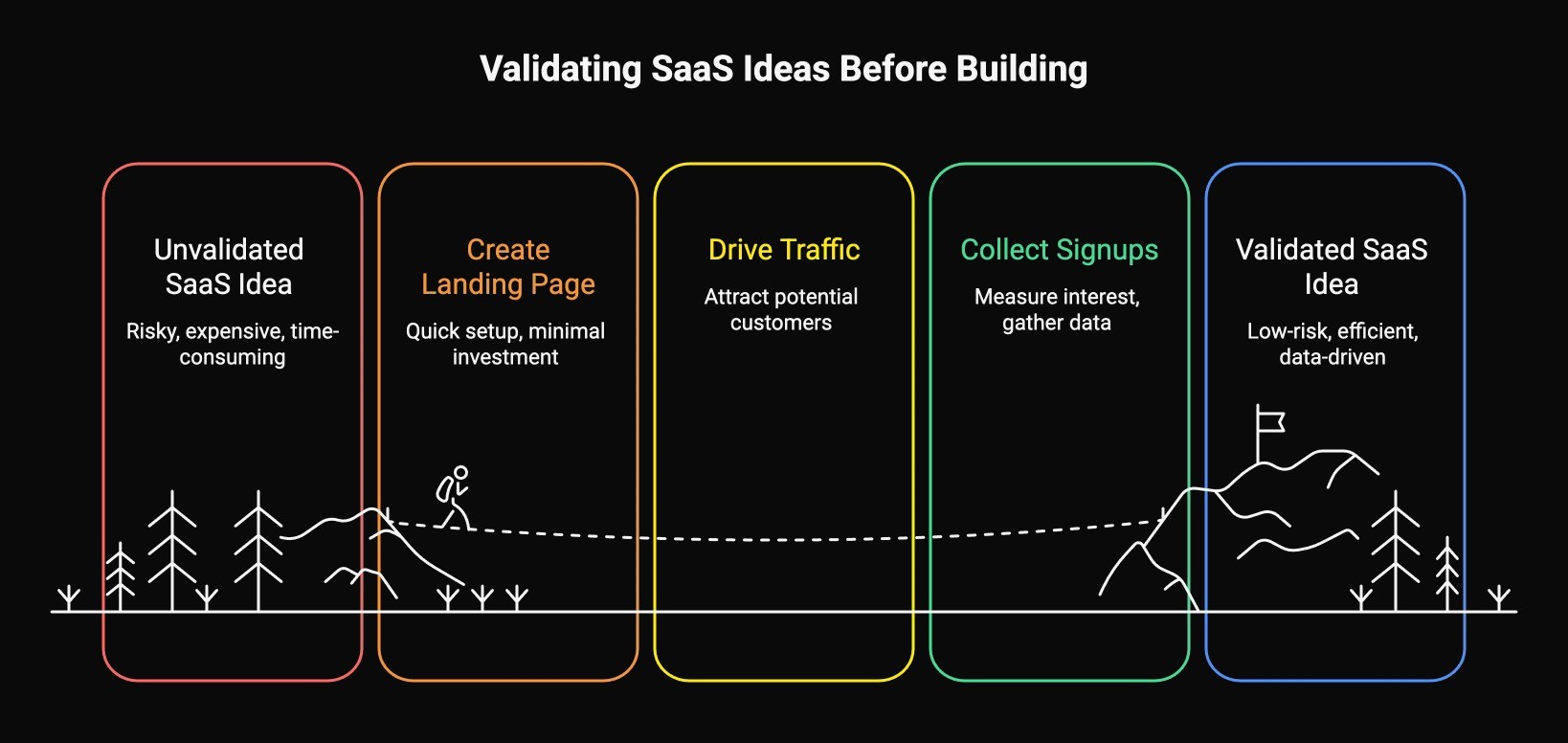
The validation-first approach flips this: Create a landing page in 48 hours, drive traffic, collect signups, then measure interest before building anything.
Companies like Superhuman and Notion used waitlists to validate demand before writing a single line of product code. They knew people wanted their product before investing in development.
Why Framer for Validation
When validating a SaaS idea, speed and cost matter more than perfection.
Framer delivers:
Speed: Templates get you live in 4-6 hours vs. weeks for custom development
Cost: $20-50 one-time + $10/month vs. $5,000+ for custom development
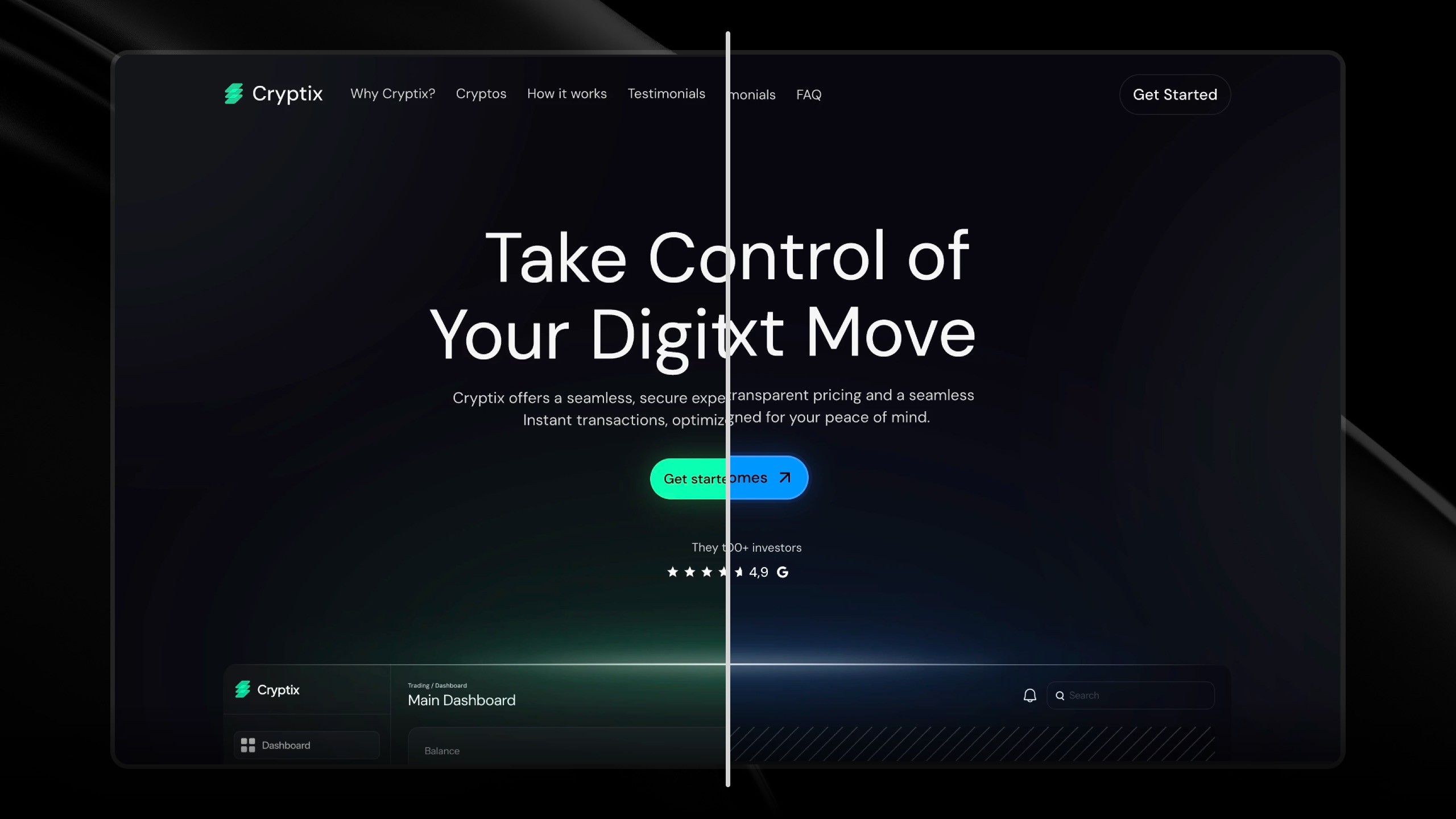
Professional: Doesn't look like a test—looks like a real product launch
No-code: Visual customization without technical skills
Instant updates: Change copy, hit publish, live in seconds
Method | Time | Cost | Looks Professional |
|---|---|---|---|
Custom Development | 2-4 weeks | $5,000+ | ✅ |
WordPress/Builder | 3-5 days | $200-500 | ⚠️ |
Framer Template | 4-6 hours | $0-149 | ✅ |
The 48-Hour Framework
Hours 0-6: Build Your Page
Choose a Framer SaaS template with:
Hero section with clear headline and CTA
Feature showcase (3-5 benefits)
Waitlist form
FAQ section
Customize your messaging:
Headline: What problem does your SaaS solve? (One sentence)
Subheadline: Who is it for + main benefit
Features: 3-5 key capabilities
CTA: "Join the Waitlist"
Update visuals: Create mockup screenshots in Figma or use stock photos. Keep it clean and minimal.
Brand it: Match your colors and fonts. Even without a full brand, pick 2-3 colors and stay consistent.
Hours 6-8: Set Up Your Waitlist
Your waitlist is your validation engine.
Choose a tool:
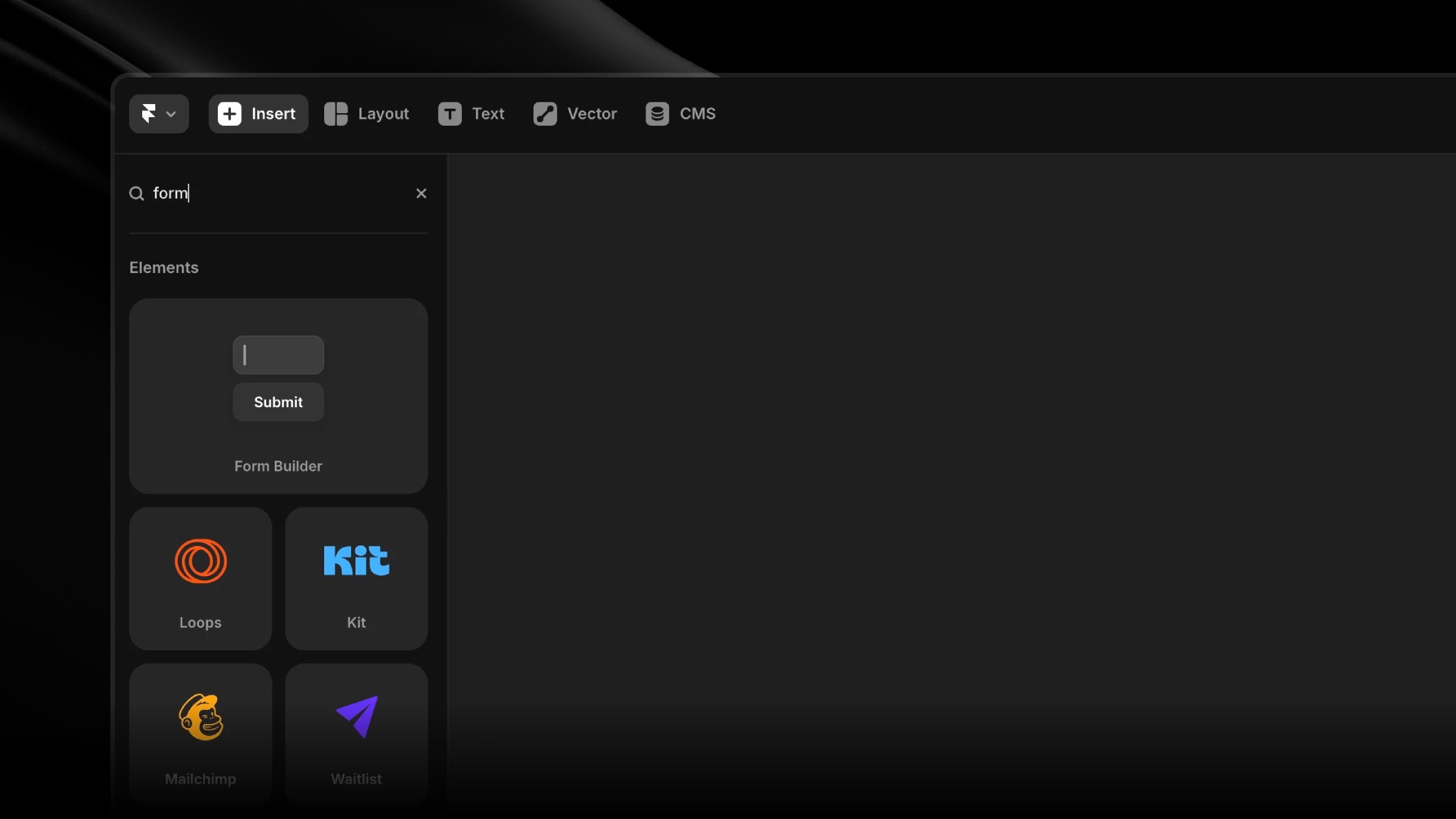
Framer built-in form builder (best, free, easy)
Tally (free, easy)
Mailchimp (free up to 500 contacts)
ConvertKit (free up to 1,000 subscribers)
Keep your form simple:
Email (required)
Name (optional)
Fewer fields = higher conversions.
💡 Integrate with Framer: Framer offers built-in integrations with popular form tools like Formspark, Typeform, and MailChimp, simply connect your chosen service, customize the styling to match your design, and test.
Hours 8-10: Test and Publish
Connect your domain (or use Framer's free subdomain)
Test the waitlist form yourself
Check on mobile (50%+ of traffic)
Click every button
Hit publish
Hours 10-48: Drive Traffic
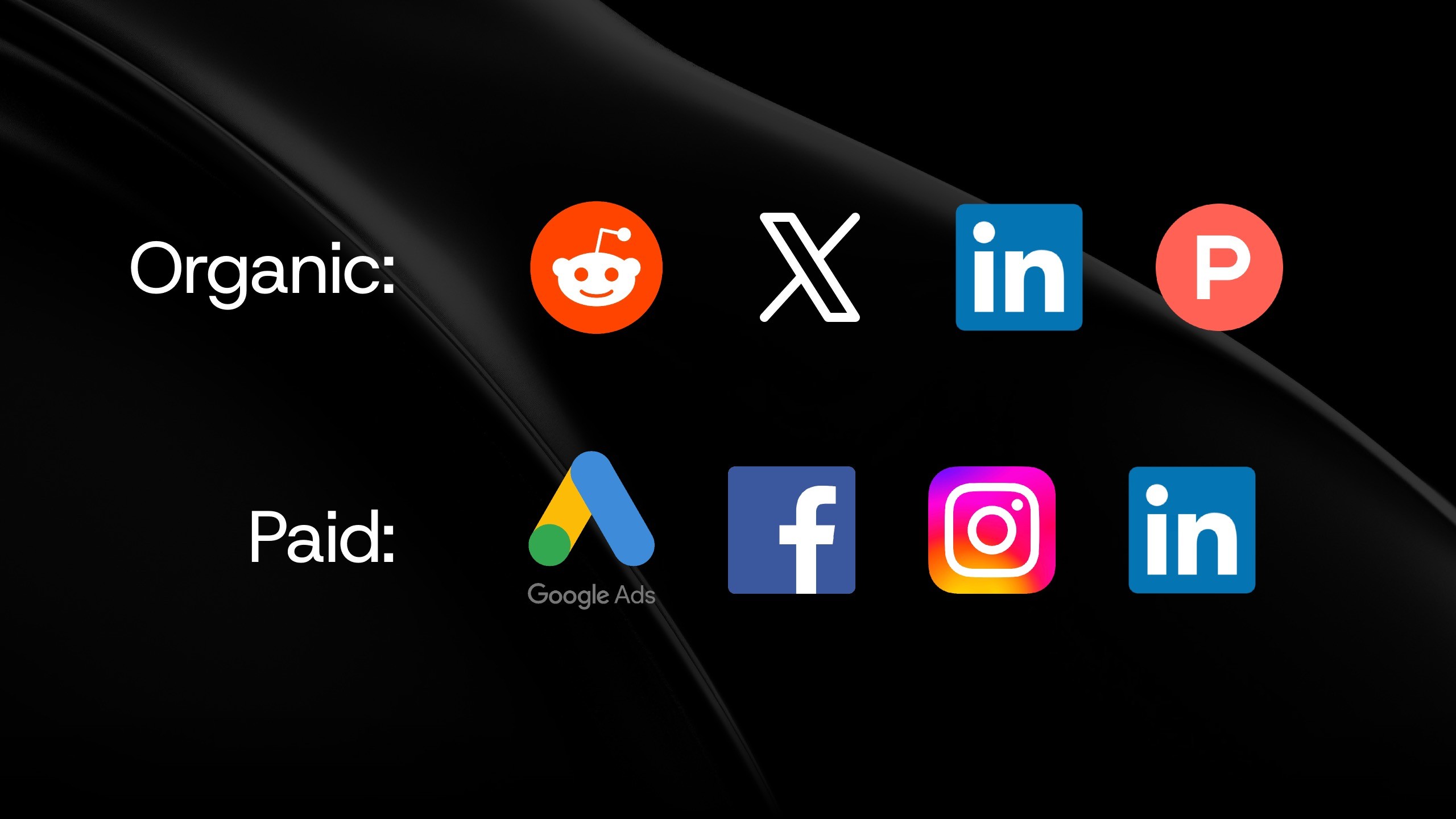
Organic (free):
Reddit: Post in r/SaaS, r/Entrepreneur, niche subreddits. Ask for genuine feedback.
Twitter/X: Share your validation journey with relevant hashtags
LinkedIn: Post about testing your idea—founders engage with this content
Product Hunt: Create a "Coming Soon" page
Communities: Slack, Discord, Facebook groups where your audience hangs out
Paid (faster):
Google Ads: $10-20/day targeting problem keywords
Facebook/Instagram: $15-25/day with compelling visuals
LinkedIn Ads: $20-30/day for B2B SaaS
Track which sources drive traffic and conversions.
Reading Your Results
After your initial traffic push, here's what the numbers mean:
Strong validation (green light):
50+ signups in week one
10%+ conversion rate
Organic shares and growth
→ Start building. There's real demand.
Moderate validation (yellow light):
15-50 signups
5-10% conversion
Some engagement
→ Interest exists but messaging may need work. Iterate and test again.
Weak validation (red light):
Under 15 signups
Below 5% conversion
No organic engagement
→ Pivot your positioning, try a different audience, or consider killing the idea.
Look beyond numbers: Are people asking questions? Suggesting features? Requesting launch dates? These signals often matter more than raw signup counts.
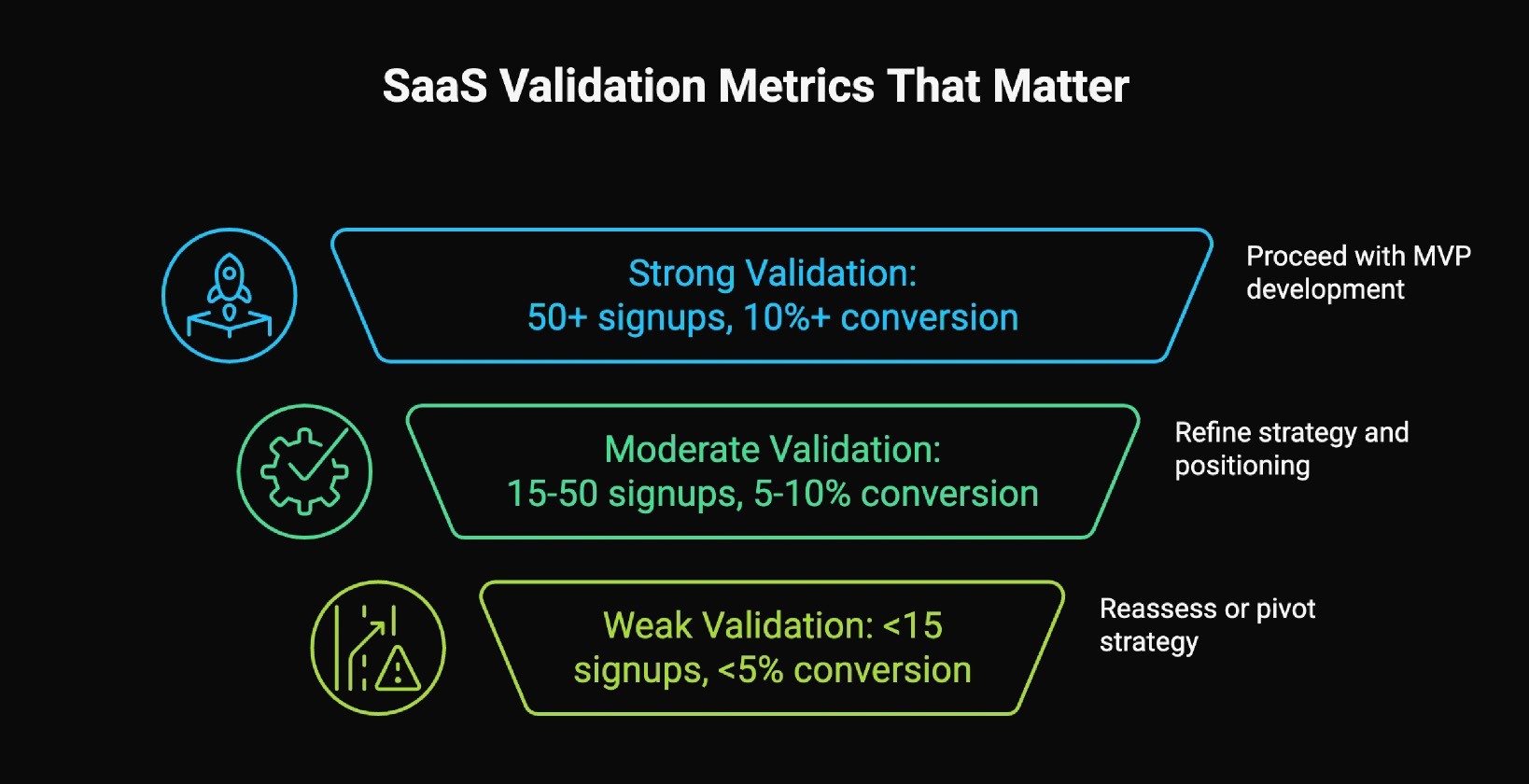
*These benchmarks assume organic traffic without a large existing audience. If you have 10k+ followers or are running paid ads, adjust expectations higher.
What Happens Next
If validation is strong: Email your waitlist immediately. Thank them, share your timeline, ask for feedback. Start building an MVP focused on the core problem. Send weekly updates to keep them engaged.
If validation is moderate: Interview signups to understand what resonated. Rewrite your headline, improve positioning, enhance visuals. Drive more traffic and test different channels.
If validation is weak: Try for 2-3 weeks total. Test different messaging angles. Consider a different audience. Be willing to move on—you just saved yourself months and thousands of dollars.
The Real Cost
❌ Without validation: 3 months coding + $8,000+ development + zero certainty anyone will pay.
✅ With validation: One weekend + $35 investment + clear data on demand.
Validation doesn't guarantee success, but it dramatically reduces risk. You know if people want your solution before you build it.
Start This Weekend
The framework is simple:
Landing page (4-6 hours)
Waitlist setup (1-2 hours)
Traffic (2-4 hours active work)
Measure results
Total investment: $0-149 for a template, $10 for a domain, one weekend of focused work.
The alternative is building blind for months and hoping people want what you made.
Ready to Validate Your Idea?
I've shared the complete framework for validating your SaaS in 48 hours, now it's time to put it into action.
Whether you're testing your first idea or launching your next product, having the right foundation matters. In my template store, you'll find:
SaaS landing page templates designed for quick validation and high conversions
Waitlist-optimized designs that make collecting emails effortless
Each template is built to help you move fast and look professional, exactly what you need for validation.
Browse My Template Collection →
For more insights on building with Framer and launching digital products, follow me on X (formerly Twitter).

Arthur Duchesne
Webdesigner & Entrepreneur